Polish Your Wedding Designs with the Welcome Sign Mockup
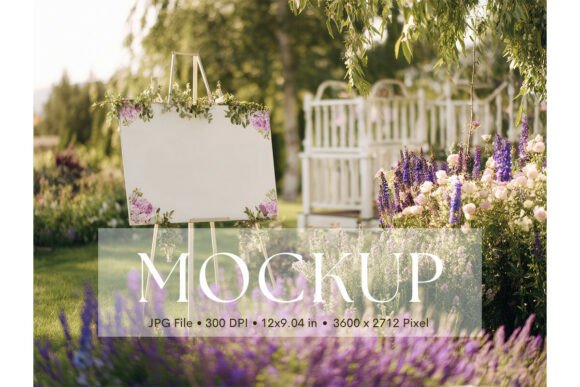
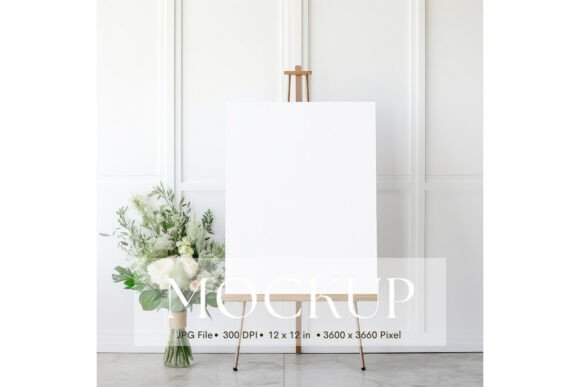
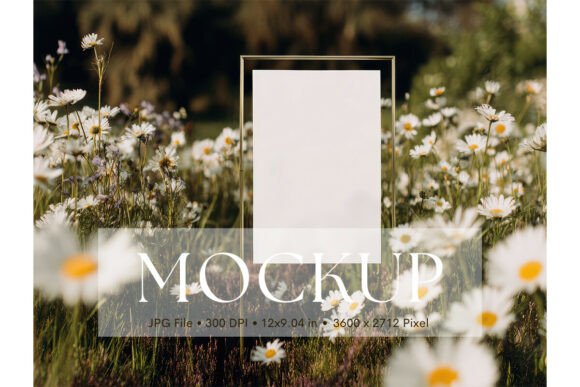
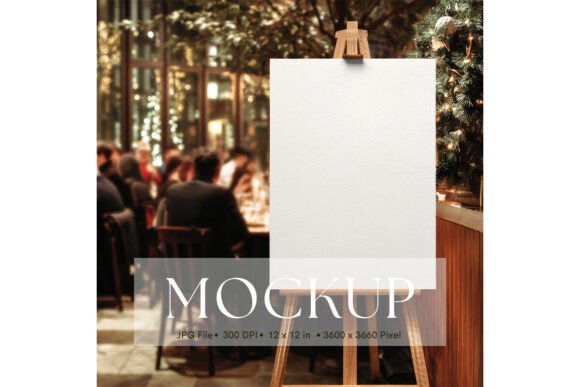
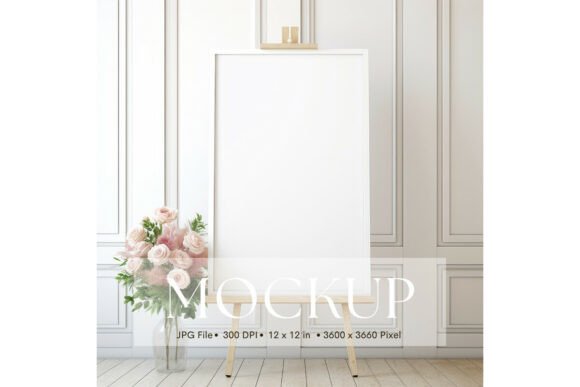
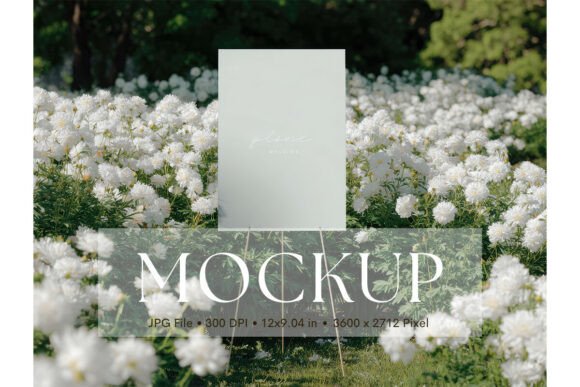
Finding the perfect way to present your wedding stationery or event branding just got easier. The Welcome Sign, Wedding Sign Mockup_42 offers a clean, professional canvas for designers and creators who want their work to look its absolute best. This mockup is more than just a template; it’s a tool that helps bridge the gap between a concept and a client-ready presentation, ensuring your designs for signs, menus, or welcome boards are showcased with clarity and style.
This user-friendly mockup allows you to display your artwork in an attractive and minimalist setting. You will receive a high-resolution JPG file at 3600 x 2712 pixels, which translates to a generous 12 x 9.04 inches. The design intentionally avoids distractions, putting the focus squarely on your graphics, illustrations, or typography. Whether you’re finalizing a logo for a wedding planner, creating social media visuals for an event, or building a portfolio piece, this mockup helps your work make a strong, polished impression.
Creative Uses for a Wedding Sign Mockup
The value of a versatile design asset lies in its application. While its name suggests a specific use, this mockup’s clean composition makes it adaptable for a variety of projects. Consider using it to present:
- Event Branding: Showcase a full suite of wedding materials, from the main welcome sign to table numbers and ceremony programs.
- Logo and Identity Design: Display how a custom logo or monogram would look on a physical sign, adding a tangible quality to your brand identity presentations.
- Print and Poster Design: Use it to mock up inspirational quote prints, illustrated posters, or photographic art that could be used as wedding décor.
- Digital Product Previews: If you sell digital templates for invitations or signs on platforms like Etsy, this mockup provides a credible, professional preview for your listings.
Think beyond the wedding context, too. The elegant, neutral setting could work beautifully for showcasing botanical illustrations, minimalist art prints, or even menu designs for a boutique café. The lack of watermarks and movable objects means your final image is clean and ready for immediate use in client decks, portfolios, or online shops.
Tips for Integrating Mockups into Your Workflow
To get the most out of any design asset, a thoughtful approach is key. First, always ensure your final artwork is high-resolution to match the mockup’s quality—this prevents pixelation and maintains a professional look. Since this is a JPG file, simply use your preferred graphic design software to overlay your design onto the mockup, adjusting perspective and lighting if needed.
Pay close attention to the mood of your project. The mockup’s minimalist and stylish setting is ideal for modern, elegant, or rustic-chic themes. If your design uses a bold display font or a delicate script font, test it here to see how the typography interacts with the clean background. This is also a great opportunity to experiment with font pairings—see how a serif headline looks with a sans-serif body text in a real-world context.
Finally, always verify the license of any asset you use. Confirm that the mockup’s usage terms align with your project, whether it’s for personal portfolio pieces or commercial client work. Choosing assets with clear, permissive licenses saves time and protects your creative output.
Ultimately, the right presentation can elevate good design to great design. A well-crafted mockup like Welcome Sign, Wedding Sign Mockup_42 doesn’t just display your work; it enhances it, providing context that helps clients and audiences visualize the end result. By integrating such thoughtful design assets into your process, you strengthen your brand’s visual consistency and demonstrate a meticulous, professional standard that clients trust and admire.